No CarPlay in your car? Your iPhone is the dashboard.
Give your car a next-generation experience, without replacing the stereo. CarOS turns the iPhone you already own into a dashboard designed for the road.
Free to download · No credit card required
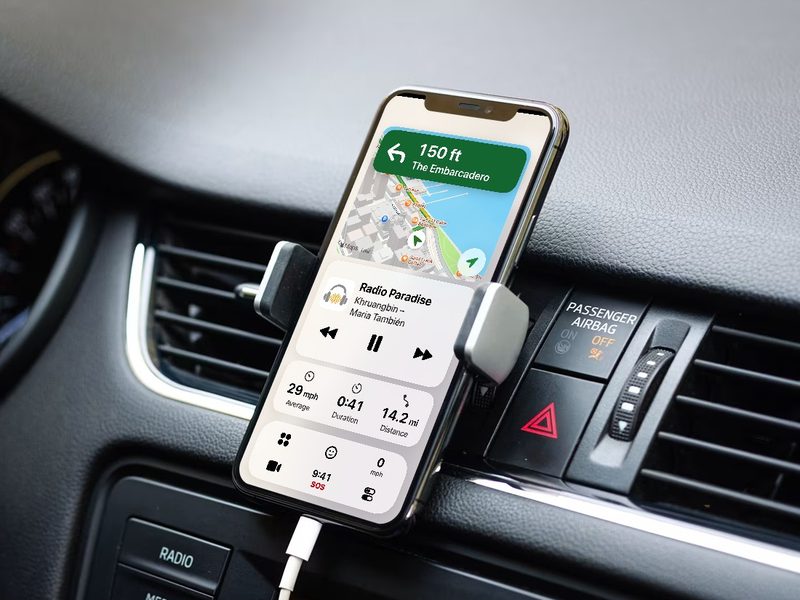
What you need
An iPhone
Any iPhone running iOS 17 or later, including models without the Dynamic Island. The one in your pocket will do.
A mount
Landscape on the dashboard, portrait on the vent. Every screen adapts, left-hand and right-hand drive too. Mounts
Nothing else
No compatible screen. No adapter box. No new stereo to buy and install.
Ready in under a minute
- 1
Mount your iPhone
On the dashboard, the windshield or a vent.
- 2
Open CarOS
Big round icons you can hit without looking.
- 3
Drive
Directions, music and calls stay at a glance.
Everything you need on the road
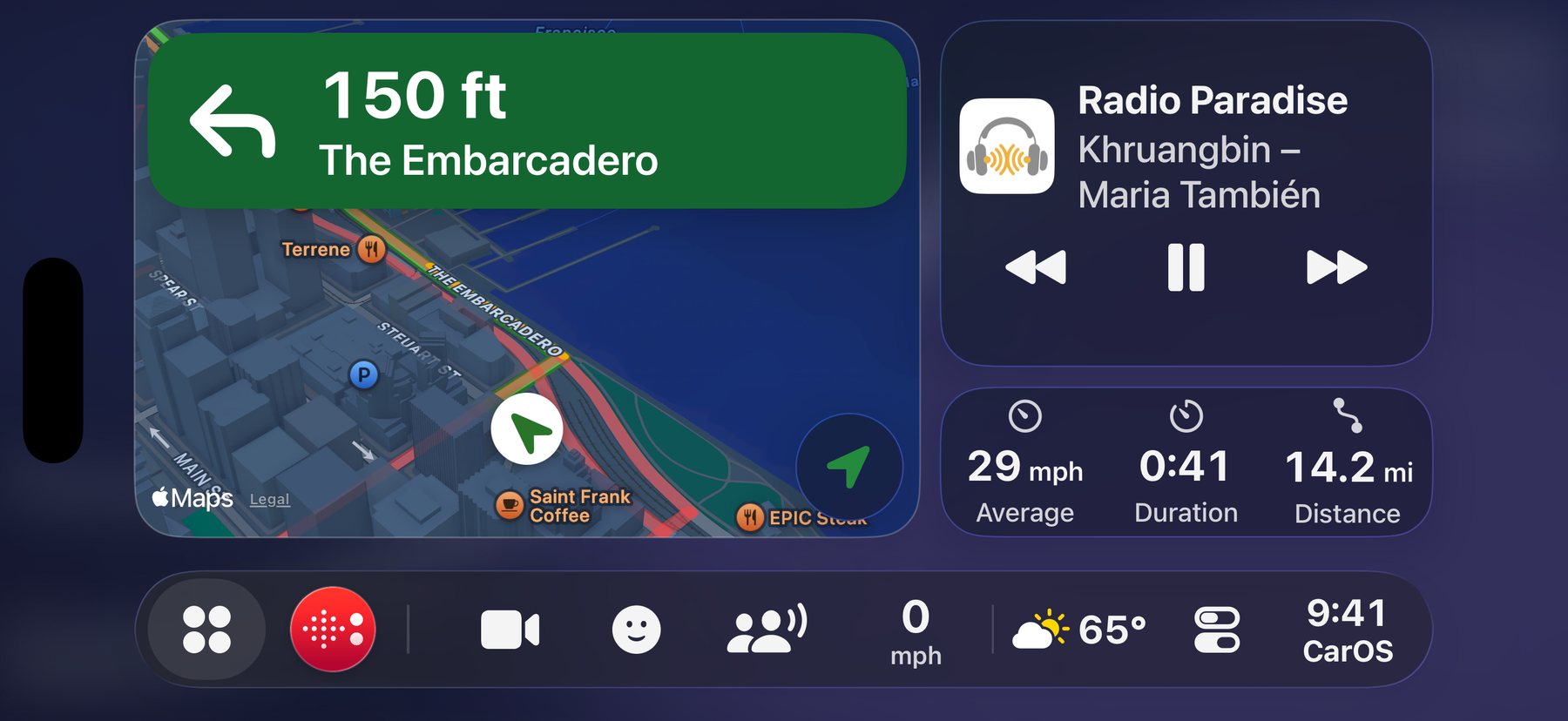
Your whole trip. One glance.
The next turn, what’s playing, your next appointment and how far you’ve come, on one screen.
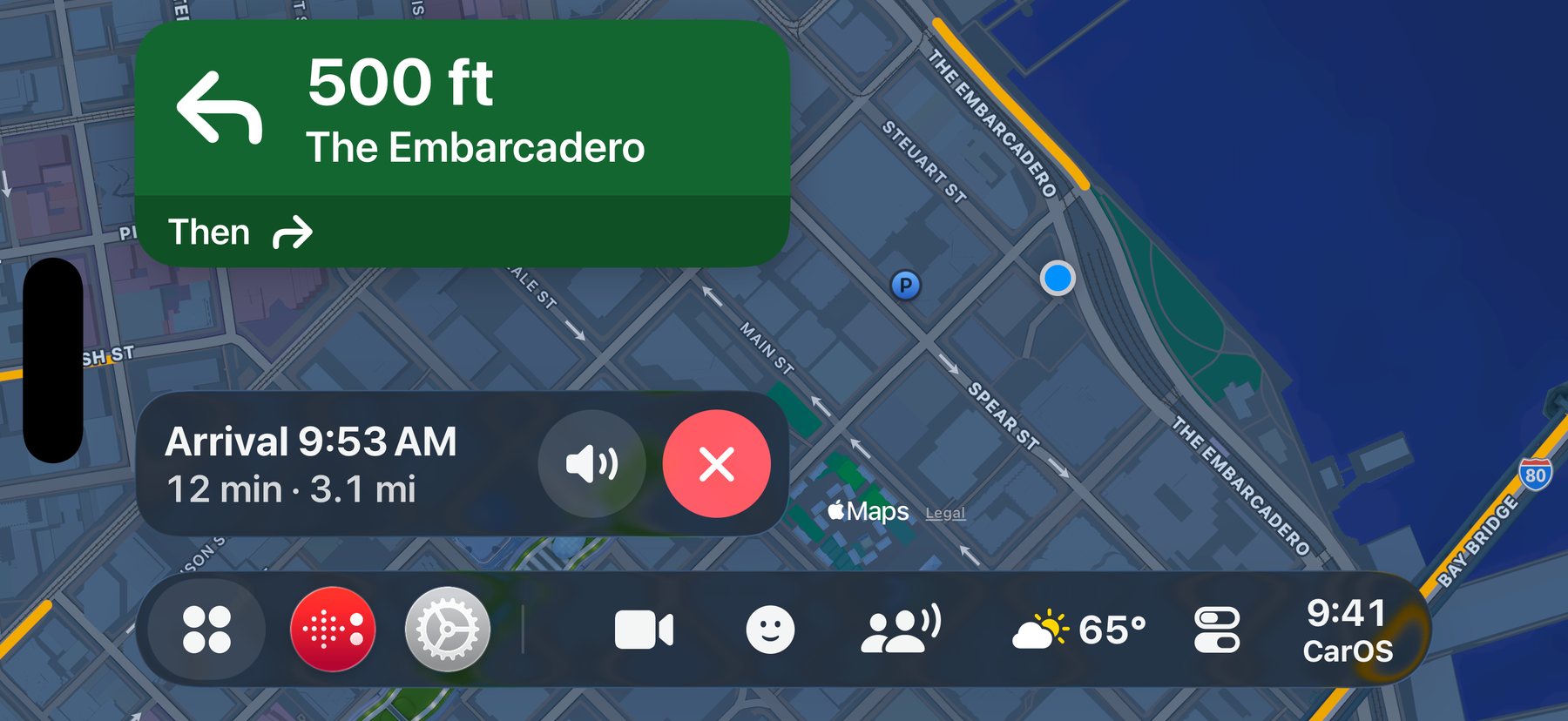
Navigation that fills the screen.
Big turn cards, a clear route, and road alerts from the Waze community, said out loud.
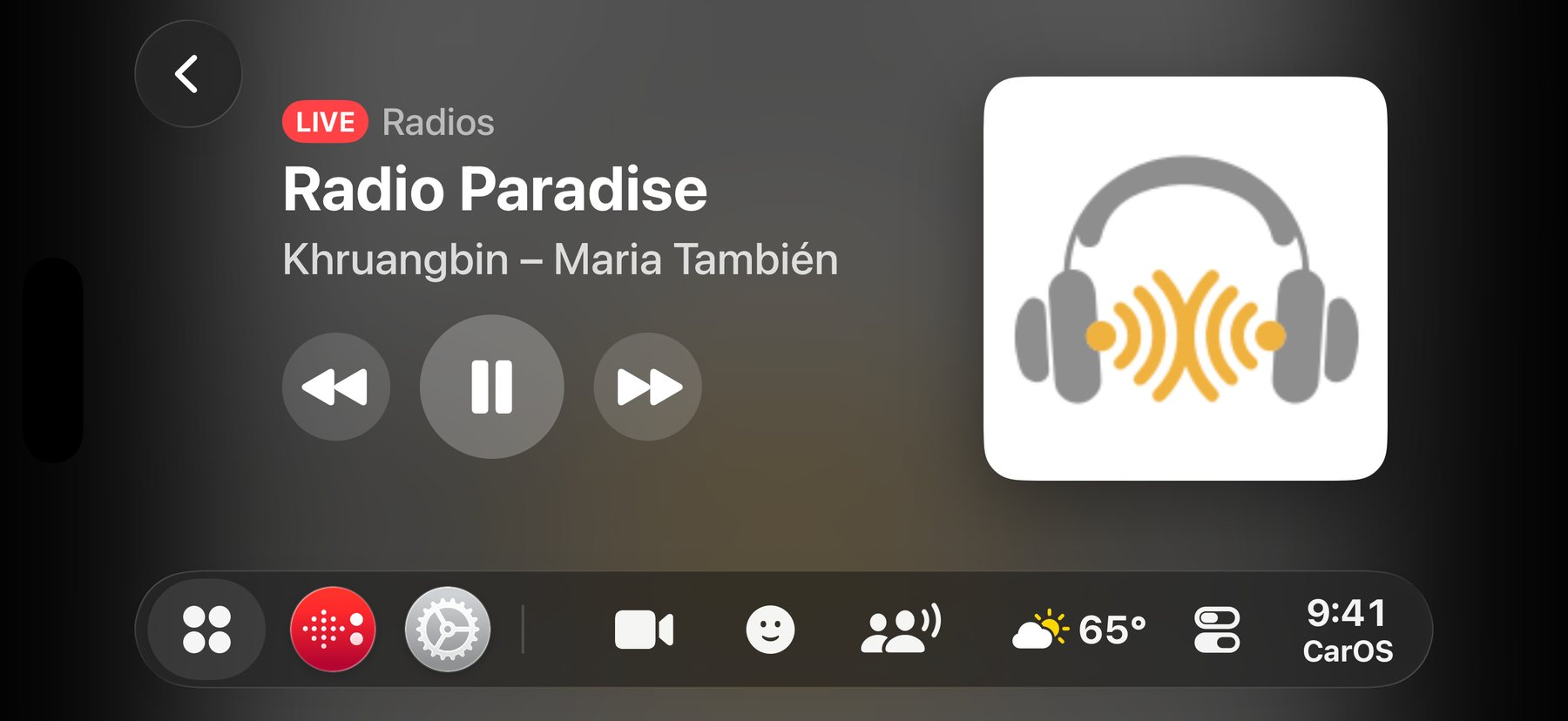

Everything you listen to.
Apple Music, Spotify, podcasts and more than 10,000 live radio stations, with the same big controls.
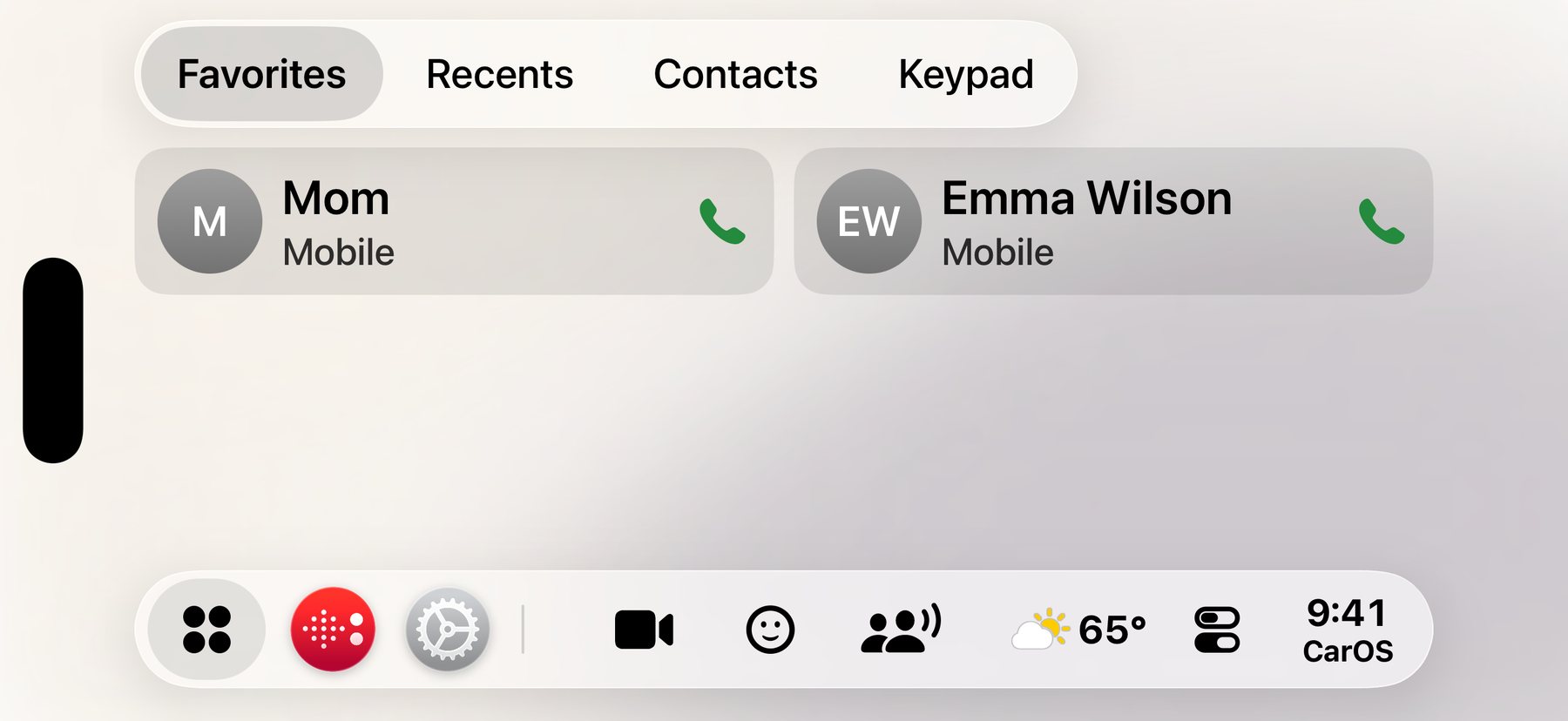
Stay in touch. Eyes on the road.
Calls, ready-made replies and dictated messages, with as few taps as possible and nothing to type.
CarPlay, a new stereo, or CarOS?
| Built-in CarPlay | A new CarPlay stereo | CarOS | |
|---|---|---|---|
| What it takes | A vehicle sold with CarPlay | Buying a compatible head unit and having it installed | Your iPhone and a mount |
| Where it runs | The car’s built-in screen | The new stereo’s screen | Your iPhone’s own screen |
| Motorbikes, scooters, license-free cars | Rarely | Rarely | Yes |
| Dash cam and Face Control | Not included | Not included | Built in (Premium) |
| To get started | Comes with the car | The unit plus installation | Free to download |
Questions
Will CarOS work in my car?
Yes. CarOS runs entirely on your iPhone: no CarPlay, no compatible screen, no adapter box. Car, motorbike, scooter, license-free car, camper: all you need is your iPhone and a mount.
How is CarOS different from Apple CarPlay?
CarPlay needs a compatible head unit built into your vehicle. CarOS runs on your iPhone’s own screen and adds what CarPlay doesn’t have: a dash cam, Face Control, automations, Live Sharing, Parking and more.
Which iPhones does it run on?
Any iPhone running iOS 17 or later, including models without the Dynamic Island. CarOS also runs on iPad.
Will the sound come through my car speakers?
CarOS plays through whatever your iPhone is connected to: your car’s Bluetooth, a cable, or the iPhone’s own speaker.
Does navigation work offline?
Directions need a data connection: CarOS uses Apple Maps routing. The SOS screen and its emergency numbers work without one.
Is it free?
CarOS is free to download, with no credit card and no time limit. Premium adds more, by subscription or with a one-time Lifetime license.
Your car deserves a dashboard.
Download CarOS for free and turn your iPhone into a smart dashboard. Ready in under a minute.