Mount it once. Glance at it every drive.
Dashboard, vent or windshield, landscape or portrait: CarOS adapts every screen to the way your iPhone sits. Here is how to choose the spot.
Free to download · No credit card required
Where to put it
On the dashboard
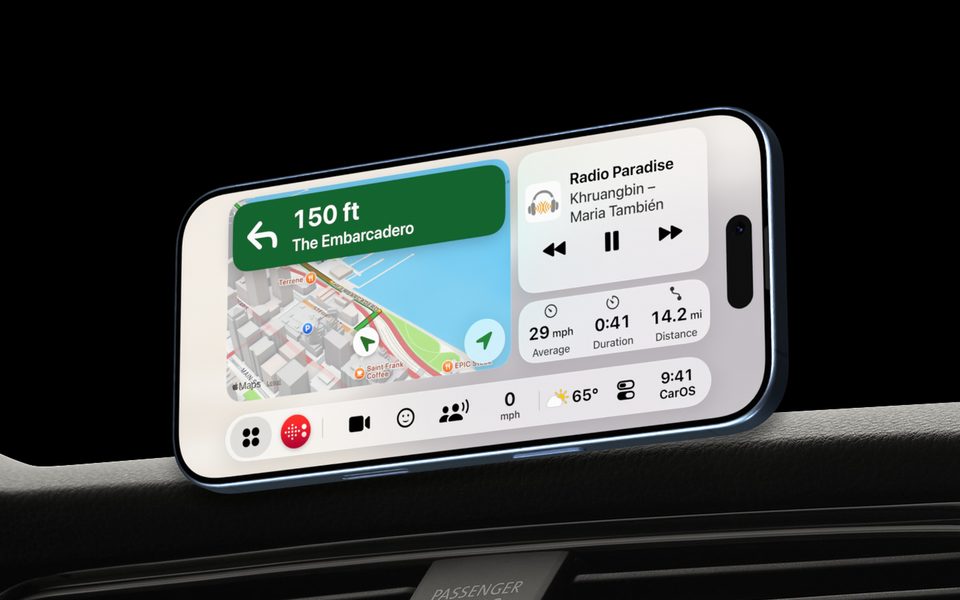
In landscape, close to your line of sight: the map and the next turn at a glance.
On a vent
Portrait or landscape: every screen adapts, so the iPhone fits the vent you have.
Driver on the right?
The SmartBar mirrors itself for right-hand drive. CarOS sets it for you where people drive on the left.
Three things to check
- 1
Nothing in the way
Keep the iPhone out of the airbag areas and out of your view of the road.
- 2
Within reach
You should reach the SmartBar without leaning forward.
- 3
Plugged in for long drives
With a charger, CarOS can even tell when you arrive: unplugging it can save your parking spot and pause the music.
Landscape or portrait, it fits
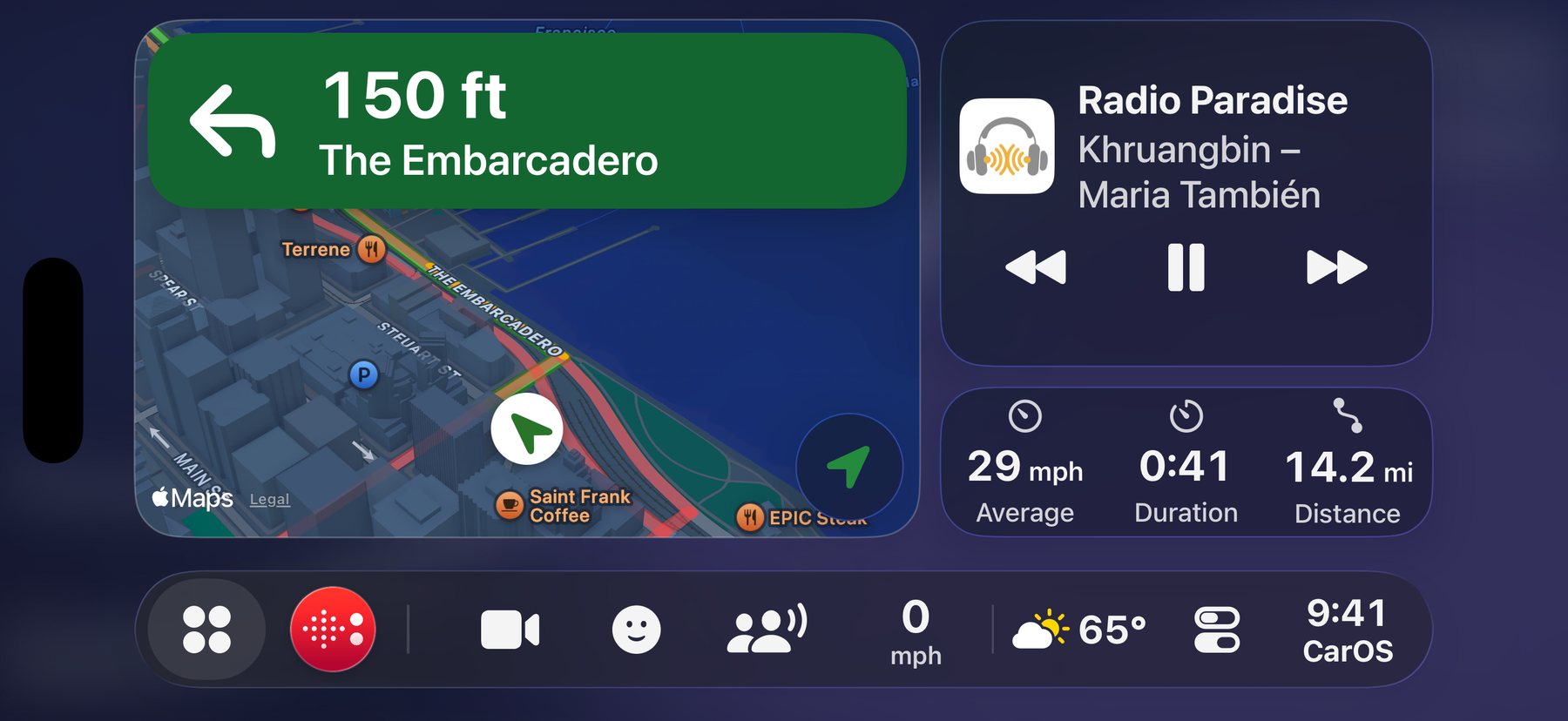

Landscape.
On the dashboard: the map, what’s playing and your trip side by side.
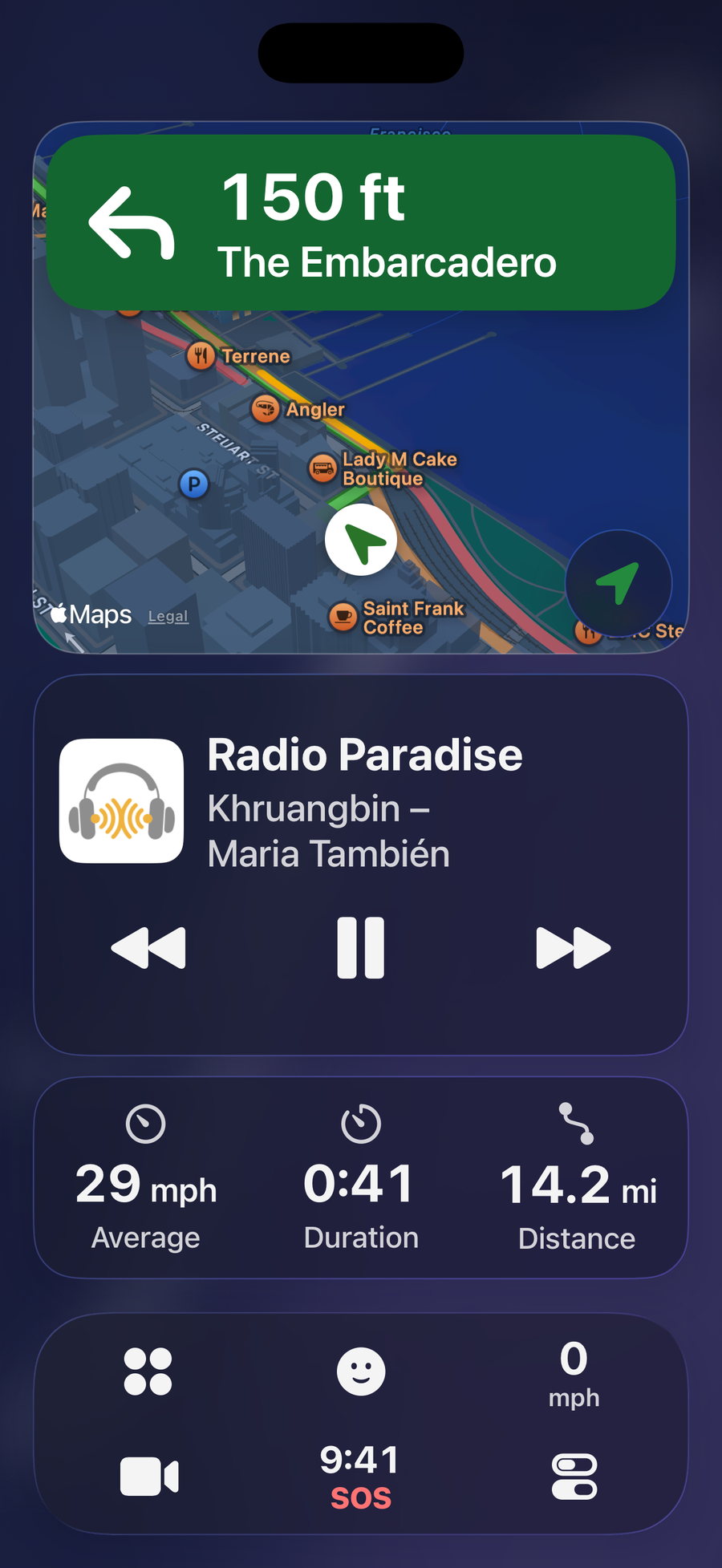
Portrait.
On a vent: the same dashboard, stacked.
Questions
Which mount works with CarOS?
Any mount that holds your iPhone steady: CarOS is an app, it doesn’t need a special accessory. Magnetic, clamp, vent or suction mounts all work.
Landscape or portrait?
Both, on iPhone. Landscape gives the map more room; portrait suits vent mounts. Turn the iPhone and every screen turns with it.
Do you sell a mount?
Yes: the CarOS Store has a magnetic phone holder that rotates 360°, with metal plates to slip under your case.
Should I keep the iPhone plugged in?
On long drives, yes: navigation and a bright screen use battery. Plugging and unplugging the charger can also tell CarOS when you leave and when you arrive.
Your iPhone is ready. Your car too.
Download CarOS for free and turn your iPhone into a smart dashboard. Ready in under a minute.