Big screen. Bigger dashboard.
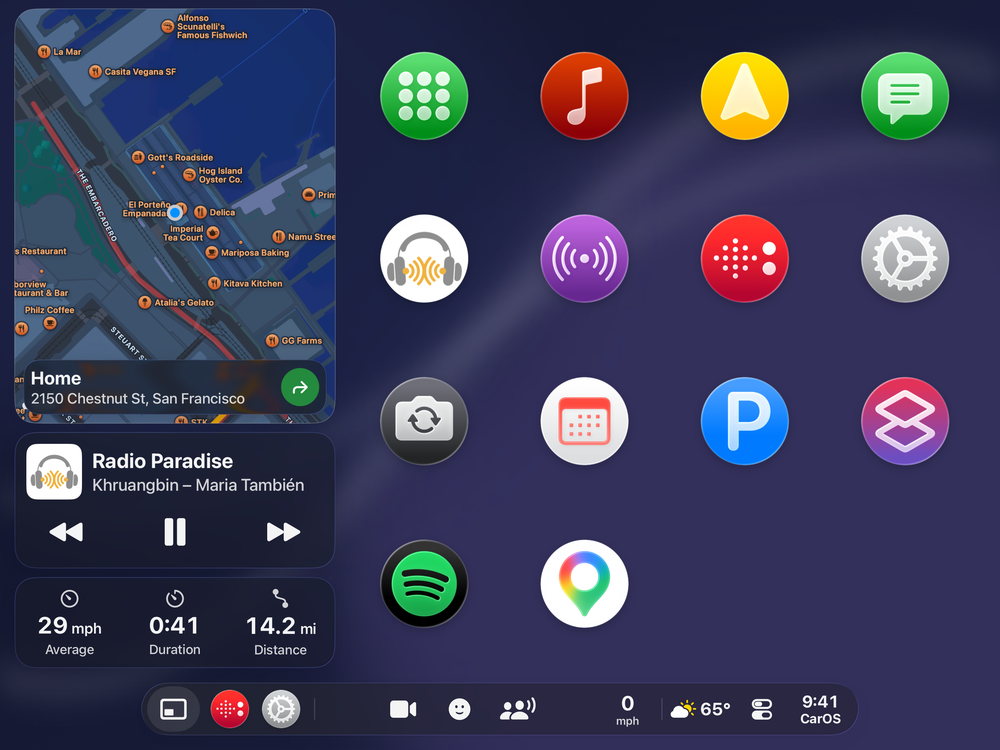
On iPad, the dashboard never leaves the screen: it keeps a third for itself, your CarApps take the rest.
Free to download · No credit card required

What you need
An iPad with GPS
Any iPad running iPadOS 17 or later. For turn-by-turn directions, choose a model with cellular: Wi-Fi-only iPads have no GPS.
A sturdy mount
In landscape, on the dashboard or in the center console. Mounts
A data connection
Directions, radio and streaming need one: a cellular plan, or your iPhone’s hotspot.
How the screen is shared
- 1
The dashboard, one third
The map, what’s playing and your trip, always on screen on the driver’s side.
- 2
Your CarApps, two thirds
Phone, Messages, Music, Radio, Podcasts, Spotify and more, with the same big targets.
- 3
The map, full screen
With no app open, navigation takes the whole screen.
Everything at once
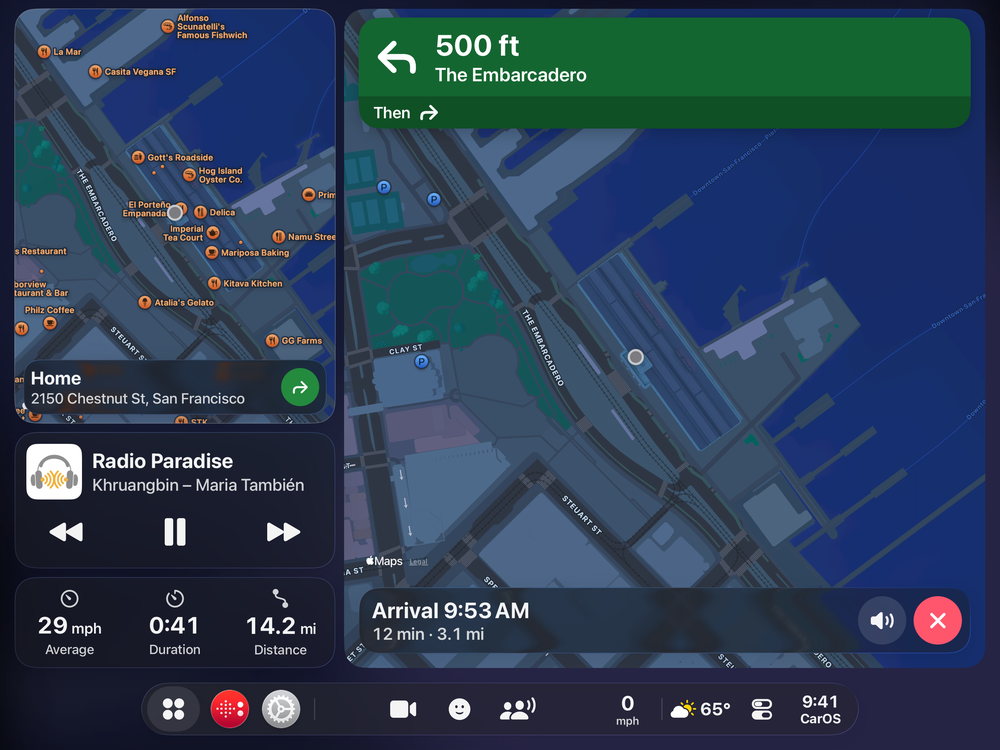

Turn by turn.
Big turn cards on two thirds of the screen, the dashboard always on the driver’s side.
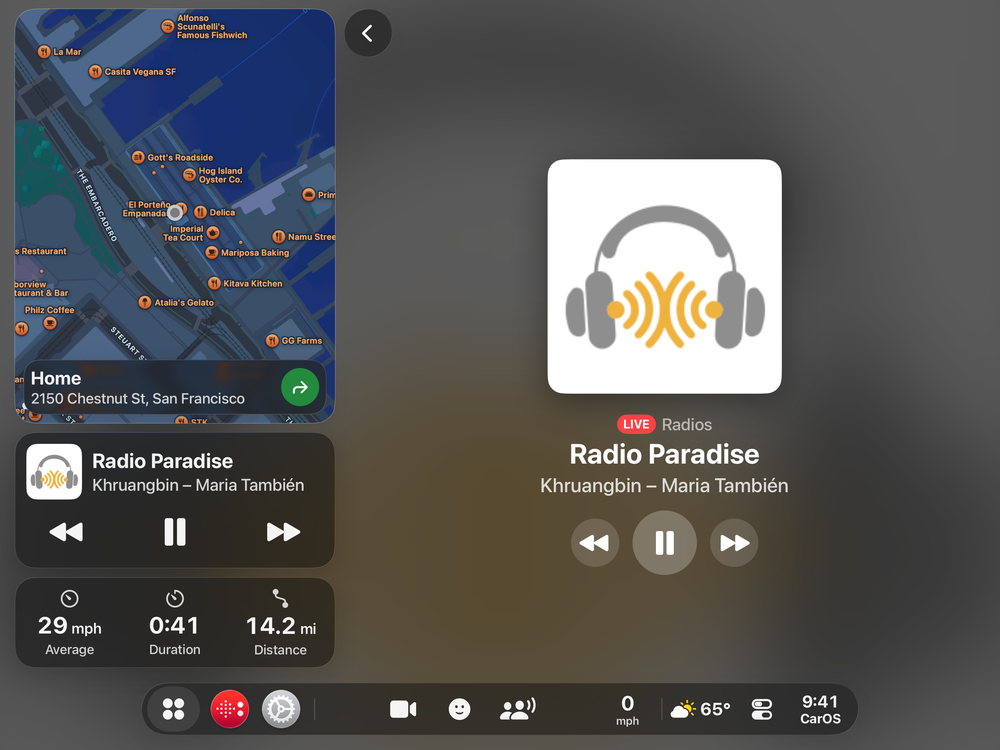

Music and radio.
What’s playing, big and clear, with three controls you can hit without aiming.
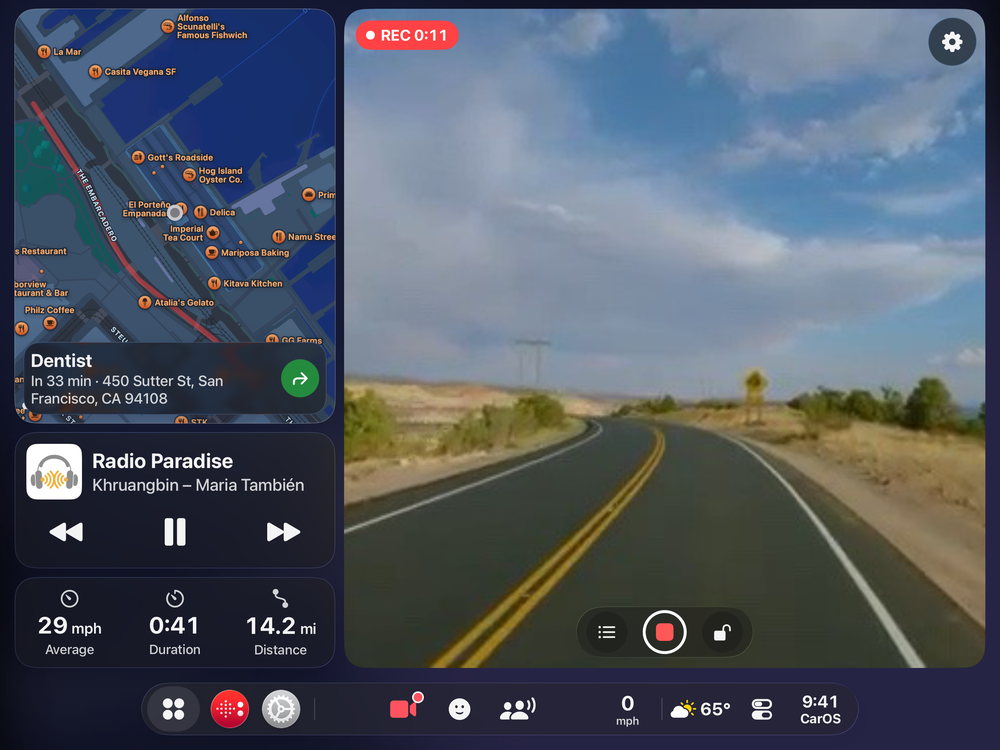
A dash cam on the big screen.
The road being recorded, next to your map and trip. (Premium)
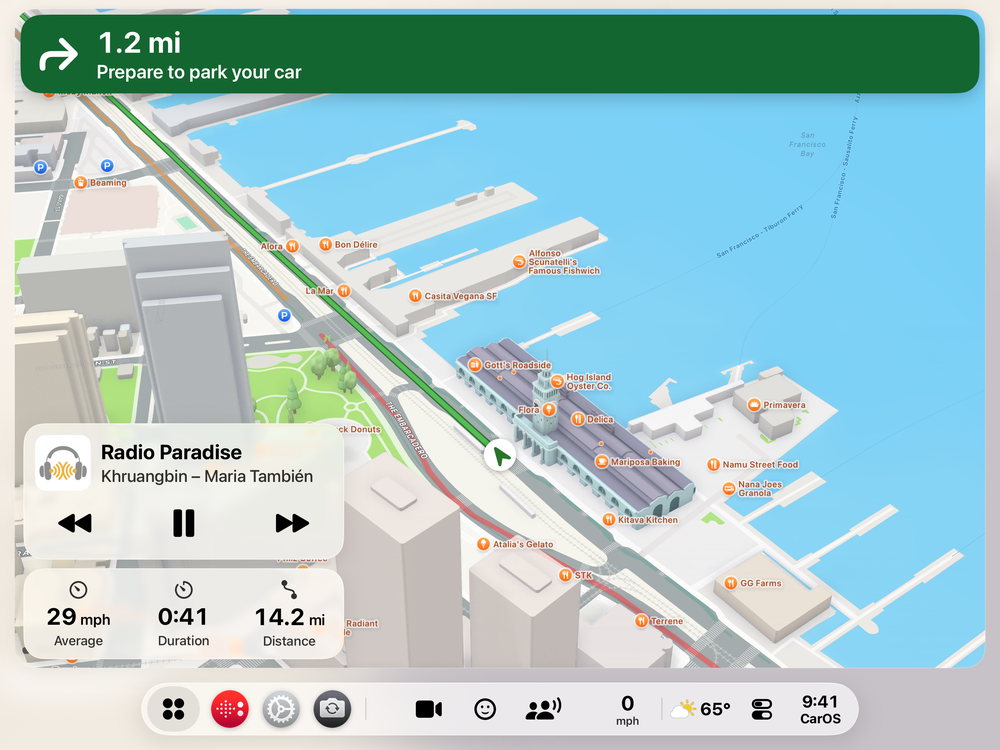

The map, full screen.
With no app open, navigation takes the whole screen, light by day.
Questions
Does CarOS work in portrait on iPad?
No. On iPad, CarOS runs in landscape. On iPhone, it runs in both.
Which iPads work?
Any iPad running iPadOS 17 or later. For navigation, an iPad with cellular, which has GPS.
Is the dashboard on the driver’s side?
Yes. It sits on the driver’s side, and moves to the right when the driver sits on the right.
Is it free?
CarOS is free to download, with no credit card and no time limit. Premium adds more, by subscription or with a one-time Lifetime license.
The biggest dashboard your car has had.
Download CarOS for free and turn your iPad into a smart dashboard.